
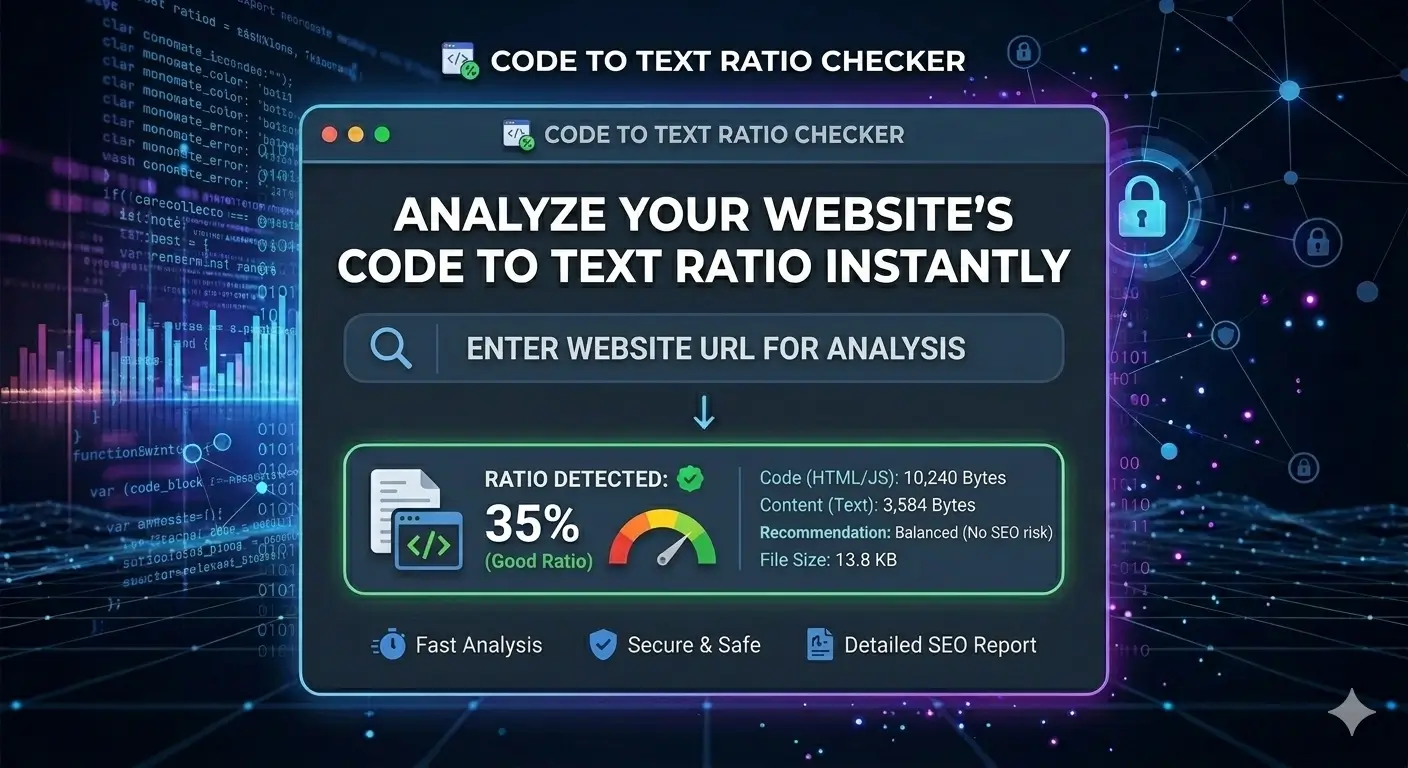
📊 Code to Text Ratio Checker
Analyze the ratio of visible text to HTML code on a webpage. Higher text ratio is better for SEO.
💡 What’s a good ratio? 25-70% is excellent. Below 10% indicates too much code or too little content.
How to Use Code to Text Ratio Checker
Step 1: Enter a full URL (including https://).
Step 2: Click “Analyze” — the tool fetches the page and calculates ratio.
Step 3: Optimize pages with low ratio by adding more content or cleaning HTML.
SEO Tip: Google prefers pages with substantial text content relative to code. Aim for 15%+ ratio.